Depending on the version of ABCmouse you are using, you will see Today’s Recommended Activities or Daily Learning Quest on the ABCmouse home screen. These sections highlight daily learning activities tailored to your child's age and grade, making it easy to find engaging lessons and activities that support your child’s learning journey.
If You See the Daily Learning Quest
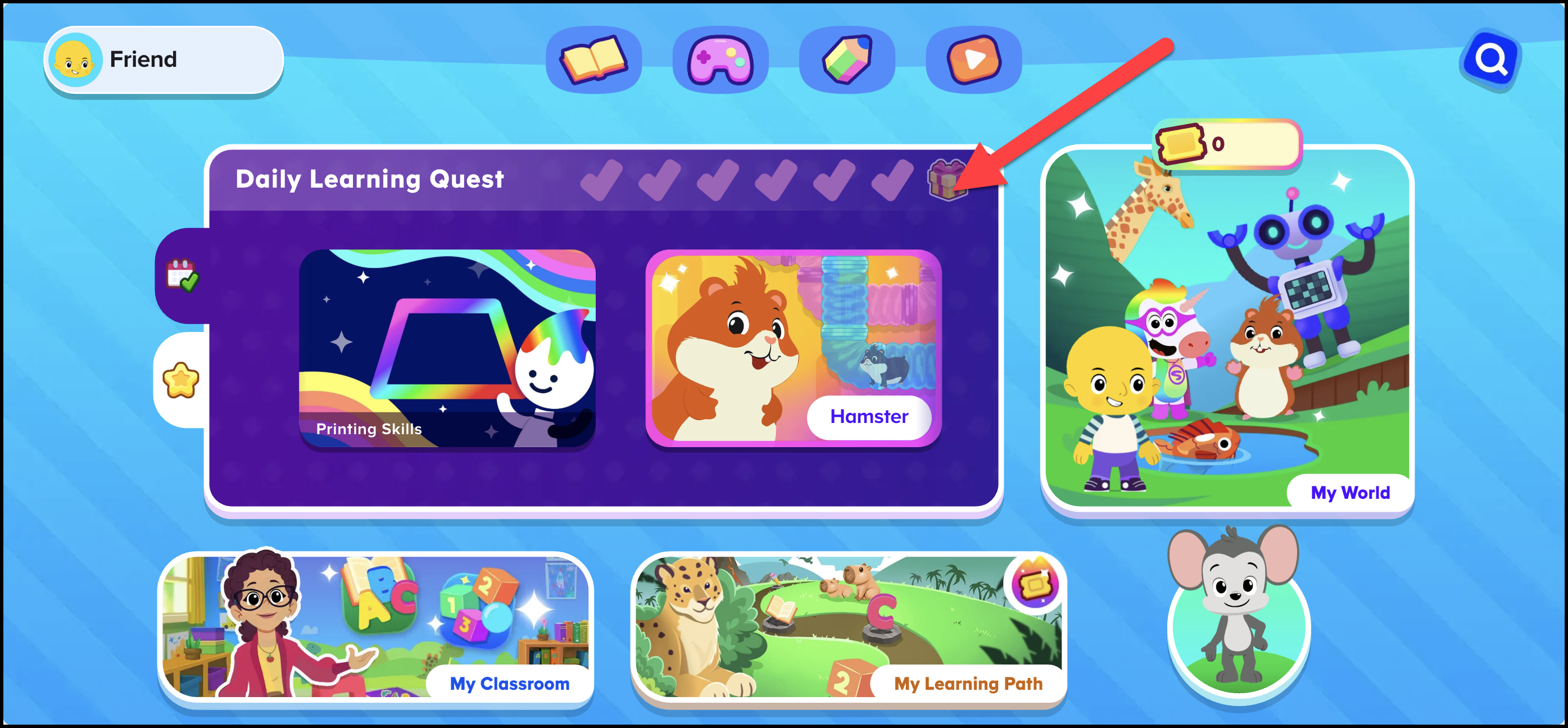
- Look for the Daily Learning Quest on the home screen.
- This is section highlights fun and age-appropriate activities for your child to start with each day.
- You'll see a star light up each time your child completes an activity.
- If your child is idle for a while, an activity may automatically open to encourage continued learning.
If You See "Today's Recommended Activities"
- Look for the red flag icon labeled Today's Recommended Activities – this will appear at the top of the home screen.
- Explore up to 10 recommended activities that are personalized for your child’s learning journey.
- Activities are updated daily to provide fresh, fun content every day.
Feel free to explore and enjoy the activities designed to help your child grow their skills!