Keeping the ABCmouse app updated on your phone or tablet ensures the best performance and access to the latest features. This article will guide you step by step on how to check for and install updates from the Apple App Store or the Google Play Store.
Using ABCmouse Classic instead? Click here!
Latest version of ABCmouse: v.1.69.0 (as of 9.4.26)
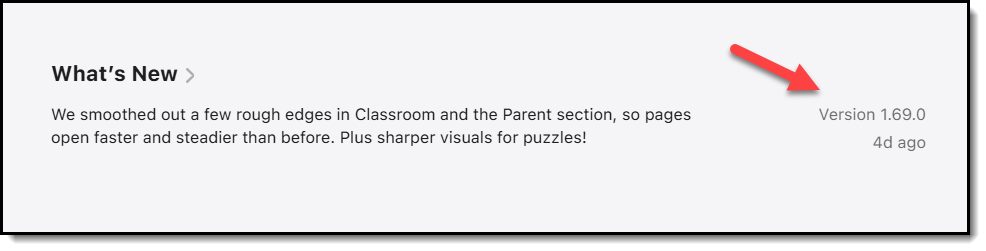
If you’re not sure which version of the ABCmouse app you currently have, see How to Check Which Version of ABCmouse You’re Using
Update on iPhone or iPad (Apple App Store)
For more details, visit Apple Support to learn how to update apps on iPhone or iPad.
If updates aren't available for the app, update the software on your iPhone or iPad.
Update on Android (Google Play Store)
Open the Google Play Store.
Tap the profile icon.
Go to Manage apps and device > Manage.
Select ABCmouse and check for updates.
For more details, visit Google Support to learn how to update the Play Store and apps on Android.
If no app update is available, update your device’s software instead.