Today's Recommended Activities in ABCmouse 2 highlight daily learning activities tailored to your child’s progress. This feature makes it easy to find engaging lessons and activities that support your child’s learning journey. You can find Today’s Recommended Activities right on the app’s home screen, making it simple to access daily lessons that support your child’s progress.
How the Recommended Activities Work
Depending on your app layout, you will either see the Helping Hand icon or a Today’s Recommended Activities section on the home screen. Both provide personalised activity suggestions for your child.
If You See the Helping Hand Icon
- Look for the Helping Hand icon on the home screen.
- This icon points to a thought bubble from ABC Mouse that guides your child to a suggested activity.
- If your child is idle for a while, an activity may automatically open to encourage continued learning.
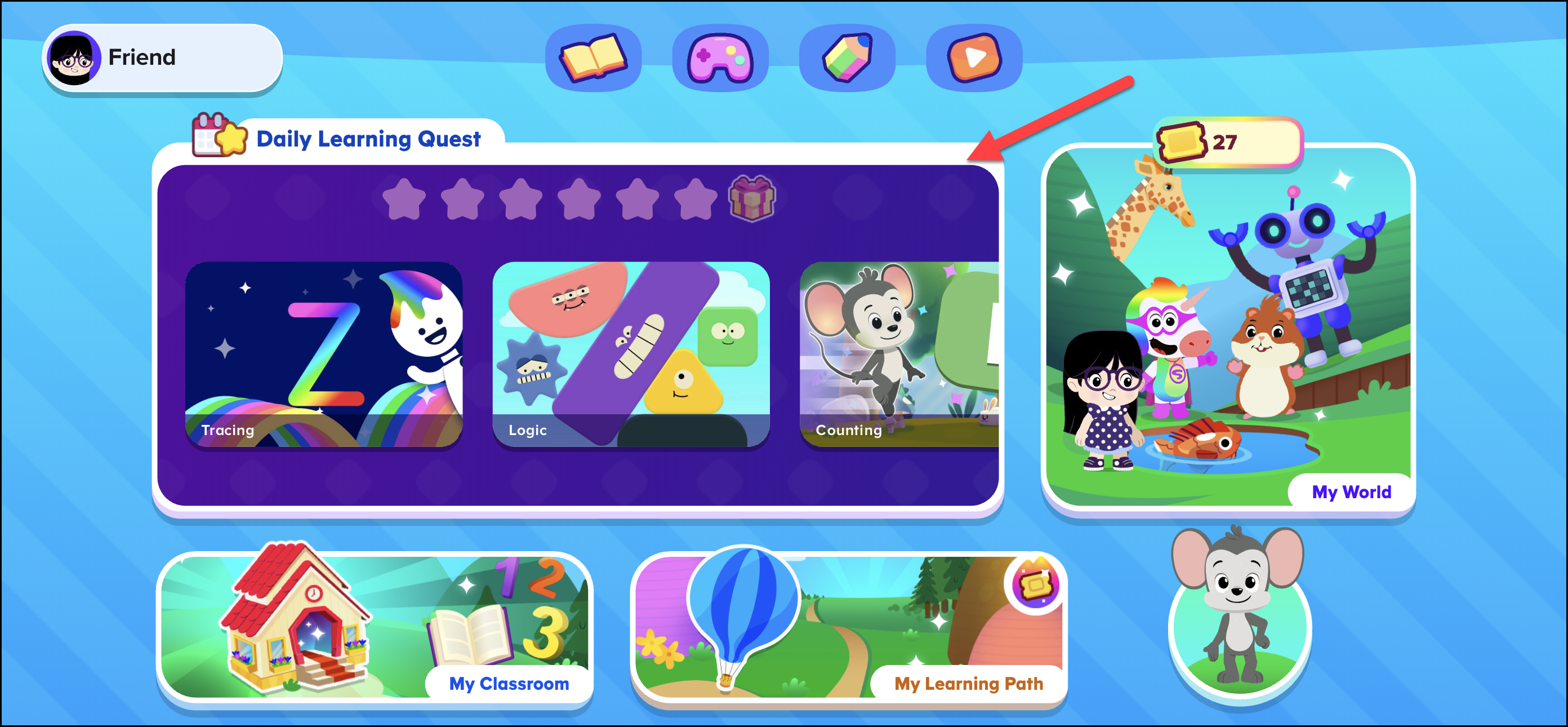
If You See "Today's Recommended Activities"
- Look for the red flag icon labelled Today's Recommended Activities – this will appear at the top of the home screen.
- Explore up to 10 recommended activities that are personalised for your child’s learning journey.
- Activities are updated daily to provide fresh, fun content every day.
Feel free to explore and enjoy the activities designed to help your child grow their skills!